
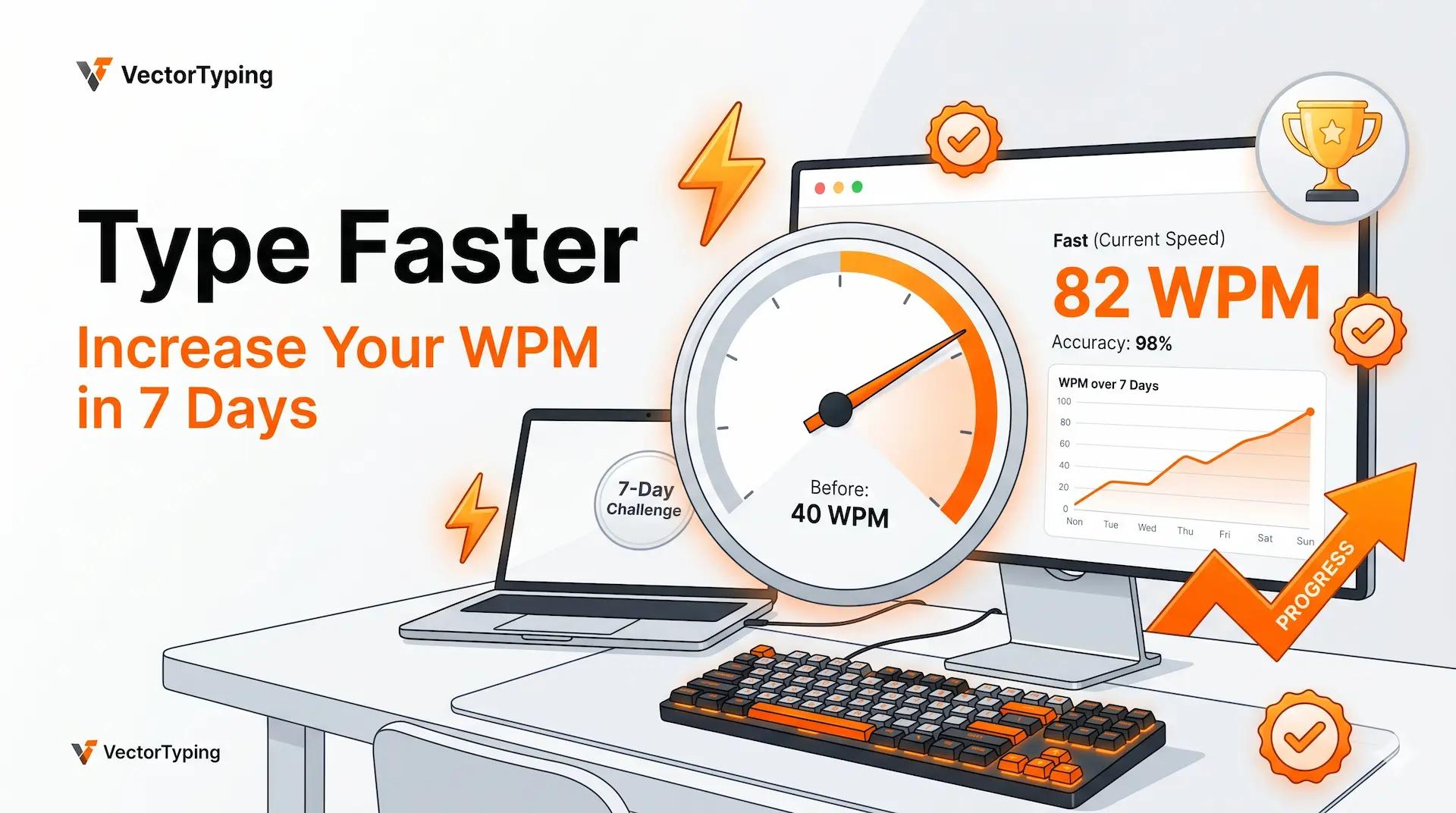
How to Type Faster: 7 Proven Tips to Increase Your WPM Speed in 7 Days
Learn how to type faster with 7 proven tips that improve WPM, accuracy, and touch typing skills. Practice smarter with VectorTyping and boost your typing speed in just 7 days.
VectorTyping Team
5 Jun 2026
5 min read
Introduction
Want to learn how to type faster and boost your productivity? Whether you're preparing for government exams, working in an office, studying, or coding, improving your typing speed can save hours every week.
The average typing speed is around 40 words per minute (WPM), but many jobs and competitive exams require candidates to achieve higher speeds with excellent accuracy. Faster typing helps you complete tasks more efficiently, stay focused, and reduce frustration caused by constant corrections.
The good news is that you don't need months of practice to see results. With the right techniques and consistent training, you can increase your WPM significantly in just 7 days.
In this guide, you'll learn seven proven tips used by professional typists to improve speed, accuracy, and confidence.
Tip #1: Master Touch Typing (No Looking at the Keyboard)
If you're constantly looking at your keyboard while typing, you're limiting your speed.
Touch typing allows you to type using muscle memory rather than searching for keys. Once mastered, your fingers automatically know where each key is located.
Start with the Home Row
Place your fingers on:
- Left hand: A, S, D, F
- Right hand: J, K, L, ;
The F and J keys contain small raised bumps that help you position your fingers correctly.
Build Muscle Memory
The secret to faster typing is repetition. The more you practice proper finger placement, the less you need to think about where keys are located.
Practice Exercise
Spend 5 minutes daily typing:
- asdf jkl;
- fjfj dkdk
- common words and sentences
Avoid looking down at the keyboard during practice.
Tip #2: Maintain Proper Posture and Ergonomics
Typing speed isn't only about finger movement. Your posture plays a major role in comfort and performance.
Sit Correctly
- Keep your back straight.
- Place both feet flat on the floor.
- Keep your screen at eye level.
- Relax your shoulders.
Maintain Proper Wrist Position
Your wrists should remain neutral and relaxed. Avoid bending them upward or resting excessive weight on the desk.
Reduce Fatigue
Proper ergonomics helps you type comfortably for longer periods without wrist strain or shoulder pain, allowing you to maintain consistent speed.
Tip #3: Use All 10 Fingers Instead of Two
Many beginners rely on two or three fingers to type. While this may feel comfortable initially, it severely limits typing speed.
Professional typists use all ten fingers because it minimizes hand movement and increases efficiency.
Finger Placement Guide
- Left pinky: Q, A, Z
- Left ring finger: W, S, X
- Left middle finger: E, D, C
- Left index finger: R, T, F, G, V, B
- Right index finger: Y, U, H, J, N, M
- Right middle finger: I, K
- Right ring finger: O, L
- Right pinky: P and punctuation keys
Following the correct finger assignments helps build speed and accuracy over time.
Tip #4: Practice Daily with Free Typing Tests on VectorTyping
Consistent practice is the fastest way to improve your typing speed.
Many learners practice without tracking their performance, making it difficult to identify weaknesses and measure progress.
Why Practice on VectorTyping?
VectorTyping provides powerful tools designed to help you improve faster:
- Real-time WPM tracking
- Detailed accuracy reports
- Touch typing practice lessons
- Timed typing tests
- Government exam typing practice
- Exam-mode typing tests
- Progress tracking and performance history
15-Minute Daily Practice Routine
5 Minutes
- Home row exercises
- Finger placement drills
5 Minutes
- Accuracy-focused typing practice
5 Minutes
- Timed typing test on VectorTyping
Following this routine consistently can help you increase your WPM and reduce mistakes within a few weeks.
Tip #5: Focus on Accuracy First, Speed Second
One of the biggest mistakes beginners make is chasing higher WPM numbers too early.
Speed without accuracy creates more corrections, which ultimately slows you down.
Why Accuracy Matters
Consider these two typists:
- Typist A: 75 WPM with 85% accuracy
- Typist B: 60 WPM with 98% accuracy
Typist B often completes tasks faster because they make fewer mistakes and spend less time correcting errors.
How to Improve Accuracy
- Slow down slightly during practice.
- Focus on correct finger placement.
- Review frequently mistyped words.
- Practice difficult key combinations repeatedly.
Aim for at least 95% accuracy before focusing heavily on speed improvements.
Tip #6: Learn Keyboard Shortcuts
Typing faster isn't just about WPM. Efficient computer users also reduce unnecessary mouse usage.
Learning keyboard shortcuts can save valuable time every day.
Essential Shortcuts
ShortcutActionCtrl + CCopyCtrl + VPasteCtrl + XCutCtrl + ZUndoCtrl + YRedoCtrl + ASelect AllCtrl + SSaveCtrl + FFind
Productivity Benefits
Using shortcuts regularly can save several minutes daily and make your workflow significantly faster.
Tip #7: Use the Right Keyboard
Your keyboard directly affects comfort, accuracy, and typing performance.
Mechanical Keyboards
Advantages:
- Better tactile feedback
- Faster response
- Improved durability
- Popular among professional typists
Membrane Keyboards
Advantages:
- Quieter operation
- Lower cost
- Suitable for casual users
Choosing the Best Keyboard
Look for:
- Comfortable key spacing
- Responsive keys
- Ergonomic design
- Reliable build quality
The right keyboard won't instantly increase your WPM, but it can make long practice sessions much more comfortable.
Take a Free Typing Test on VectorTyping
Ready to see how fast you can type?
Take a free typing test on VectorTyping and instantly discover:
- Current WPM
- Accuracy percentage
- Error count
- Performance insights
- Areas for improvement
Whether you're preparing for SSC, CHSL, CGL, stenographer exams, office work, or personal development, VectorTyping provides the tools you need to improve consistently.
Start your free typing test today and track your progress with VectorTyping.
Frequently Asked Questions
How long does it take to type faster?
Most people notice improvements within one week of regular practice. Significant gains usually occur within 2–4 weeks of daily training.
What is a good typing speed?
Typing speeds generally fall into these categories:
- Beginner: 20–40 WPM
- Average: 40–50 WPM
- Good: 50–70 WPM
- Advanced: 70–100 WPM
- Professional: 100+ WPM
For most jobs and government exams, a speed of 35–50 WPM is considered good.
Can adults learn touch typing?
Yes. Touch typing is a skill that can be learned at any age. With consistent practice, adults can achieve impressive typing speeds and accuracy.
Conclusion
Learning how to type faster is a skill that pays off for life.
By mastering touch typing, maintaining proper posture, using all ten fingers, practicing regularly on VectorTyping, prioritizing accuracy, learning keyboard shortcuts, and using a comfortable keyboard, you can dramatically improve your typing speed.
Start practicing today, track your progress, and challenge yourself to improve a little every day. Your future self will thank you.
About this article
Author
VectorTyping Team
Published
5 Jun 2026
Read time
5 min read
Category
Free to start · No sign-up required
Ready to improve your typing speed?
Practice SSC, Railway, Banking, Hindi & English typing with real exam passages and live WPM tracking.
97L+
Aspirants
10K+
Passages
100%
Free forever
Keep learning
Continue Reading
More articles on speed-tips
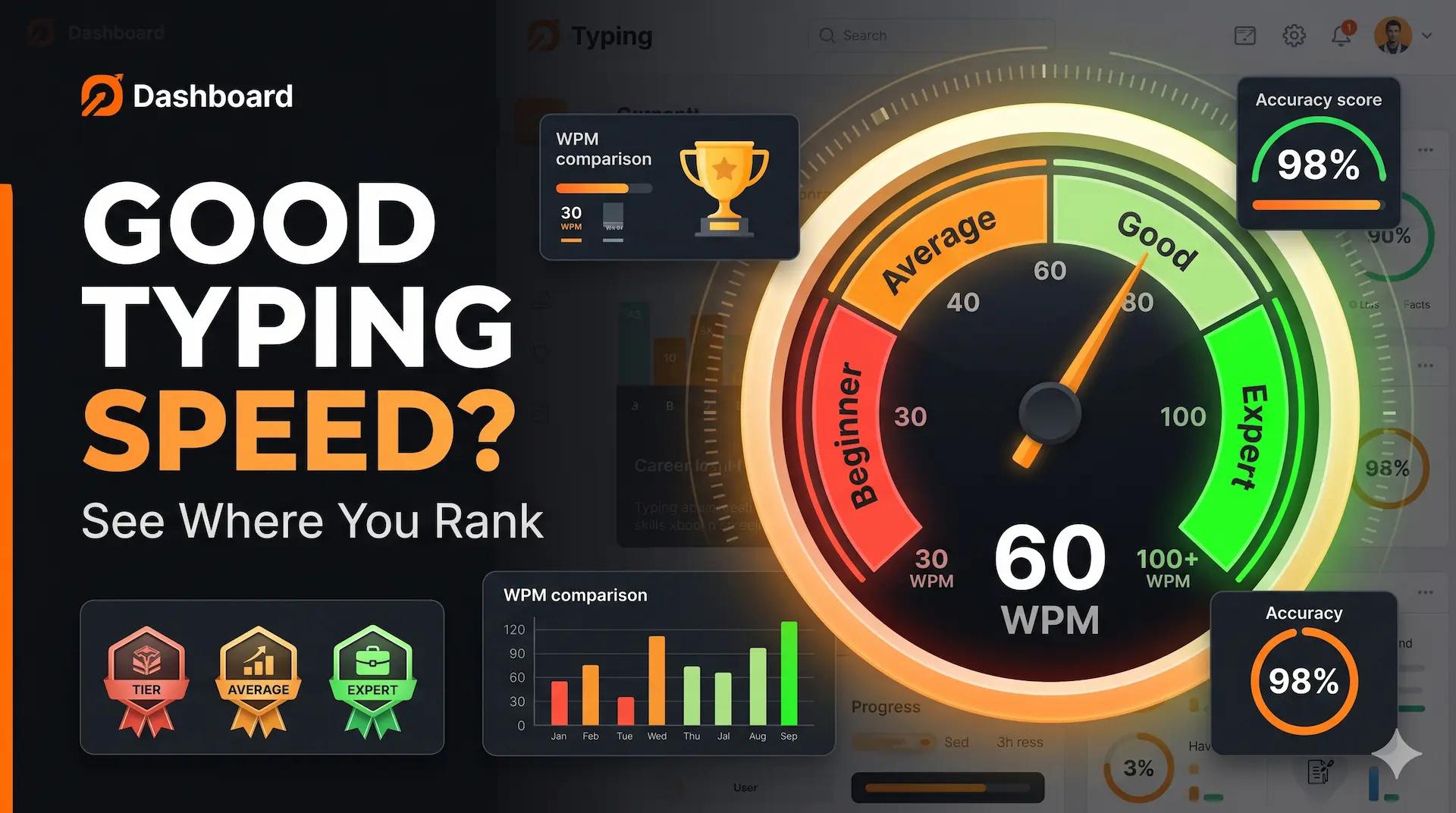
What Is a Good Typing Speed? WPM Benchmarks by Age & Job (2026)
Wondering what a good typing speed is? Compare your WPM against typing speed benchmarks by age, profession, and skill level. Take a free typing test on VectorTyping.
VectorTyping Team
·
5 Jun 2026
7 min read
Read
10 Proven Tips to Improve Typing Speed for Government Exams
Master the art of fast typing with these expert-tested techniques. Learn how successful candidates improved from 25 WPM to 50+ WPM in just 3 months.
VectorTyping Team
·
15 Feb 2026
8 min read
Read