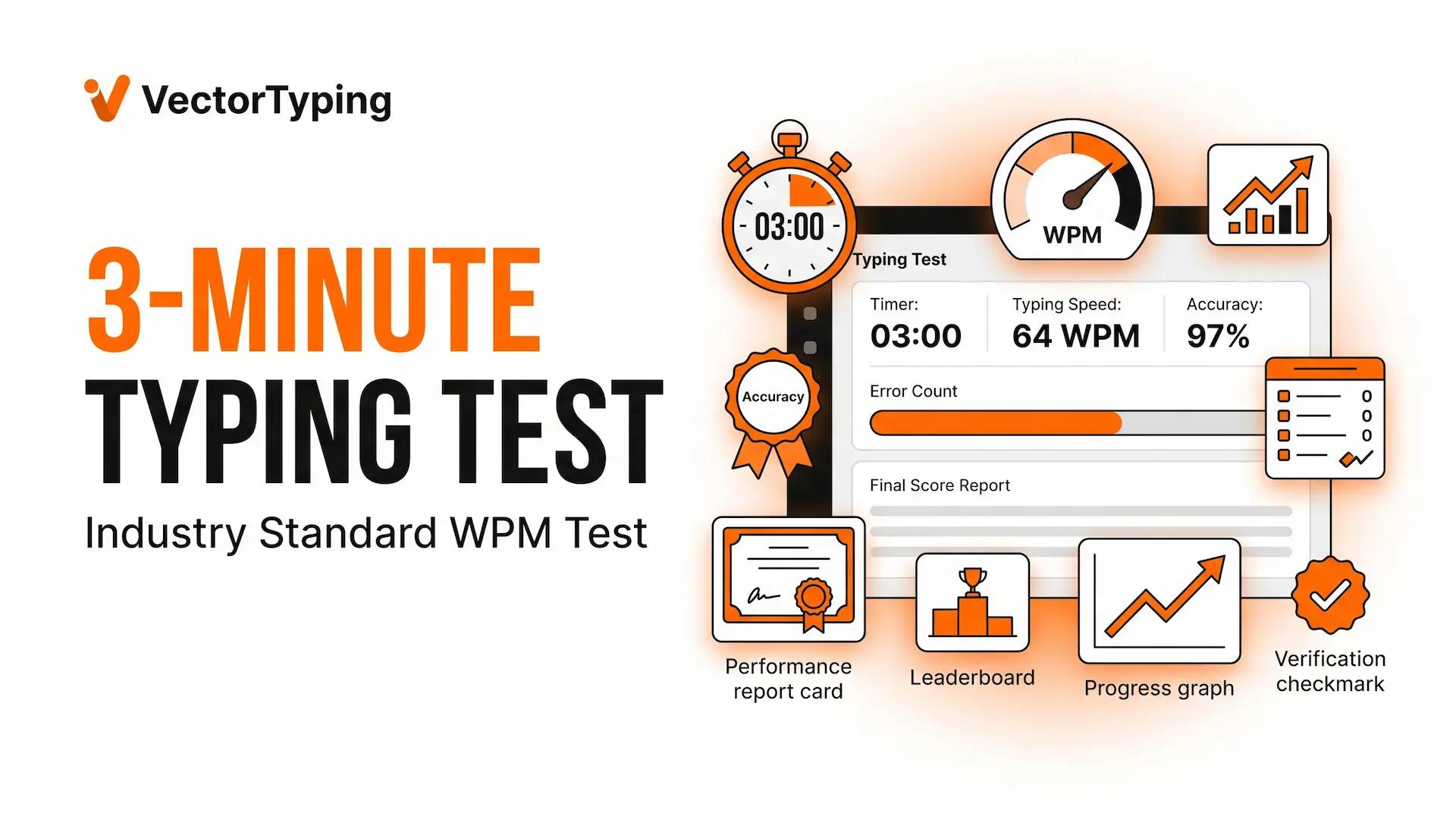
3-Minute Typing Test: Free Standard WPM Test with Instant Results
Take a free 3-minute typing test on VectorTyping. Measure your WPM, accuracy, and typing endurance with the industry-standard typing speed test.
VectorTyping Team
5 Jun 2026
6 min read

Want the most accurate way to measure your typing speed without spending too much time?
The 3-minute typing test is considered the industry standard for evaluating typing speed, accuracy, and consistency. Unlike shorter tests that only measure quick bursts of speed, a 3-minute test provides a balanced assessment of your real typing performance.
Whether you're preparing for a job application, government exam, data entry position, or simply working to improve your typing skills, the VectorTyping 3-minute typing test gives you detailed and reliable results in just 180 seconds.
Take the 3-Minute Typing Test Now
Ready to discover your true typing speed?
The VectorTyping 3-minute typing test helps you measure:
- Words Per Minute (WPM)
- Accuracy percentage
- Correct words typed
- Errors made
- Typing consistency
- Overall performance rating
Why Choose the 3-Minute Test?
✅ Industry-standard typing assessment
✅ More accurate than 1-minute tests
✅ Tests both speed and endurance
✅ Real-time performance tracking
✅ Instant results and analysis
✅ Free typing certificate available
Simply click Start Test, type for three minutes, and receive your detailed report instantly.
Why 3 Minutes Is the Standard Test Length
When employers, recruiters, and typing trainers evaluate typing performance, they often prefer a 3-minute test.
Why?
Because it offers the perfect balance between speed measurement and consistency tracking.
Not Too Short, Not Too Long
A 1-minute test can sometimes produce inflated scores because users sprint for a short period.
A 5-minute test measures endurance but requires more time and effort.
The 3-minute test sits right in the middle:
- Long enough to measure consistency
- Short enough to remain practical
- Provides highly reliable results
Industry Standard for Job Applications
Many employers use typing tests to evaluate candidates for:
- Data entry positions
- Administrative jobs
- Customer support roles
- Office assistant positions
- Virtual assistant jobs
A 3-minute test often provides a more realistic representation of workplace typing performance.
Tests Speed and Endurance
Typing quickly for 30 seconds is easy.
Maintaining speed and accuracy for three full minutes is much more challenging.
The 3-minute typing test helps measure:
- Typing stamina
- Focus
- Error control
- Consistency under pressure
These are the skills employers actually care about.
How the 3-Minute Test Works
The VectorTyping 3-minute typing test is designed to provide detailed and accurate performance data.
180-Second Timer
Once the test begins, you'll have exactly three minutes to type the provided text.
The countdown timer remains visible throughout the test.
Real-Time WPM Tracking
Your typing speed is calculated continuously as you type.
This allows you to monitor your performance and pace during the test.
Accuracy Monitoring
VectorTyping tracks:
- Correct words
- Incorrect words
- Missed words
- Error percentage
- Accuracy score
This ensures that speed is balanced with precision.
Error Highlighting
Mistakes are highlighted in real time, helping you identify common typing errors and weak areas.
Detailed Final Report
At the end of the test, you'll receive:
- WPM Score
- Accuracy Percentage
- Total Errors
- Correct Characters
- Incorrect Characters
- Performance Rating
You can then review your results and retake the test to improve.
What Is a Good 3-Minute Test Score?
Typing speed varies depending on experience, profession, and practice habits.
Use the following benchmark table to compare your results.
3-Minute Typing Speed Benchmarks
Skill LevelWPM ScoreBeginner0–30 WPMNovice31–40 WPMAverage41–50 WPMGood51–60 WPMFast61–70 WPMExpert71–90 WPMMaster91+ WPM
Average Typing Speed
Most users score between 40 and 50 WPM on a 3-minute typing test.
This range is considered average for students, office workers, and everyday computer users.
Good Typing Speed
If you consistently achieve:
- 50–60 WPM
- 95%+ accuracy
You are performing above average and possess strong typing skills.
Professional Typing Speed
Many employers look for candidates who can maintain:
- 50–60 WPM
- High accuracy
- Consistent performance
The 3-minute test is excellent for demonstrating these skills.
3-Minute Test vs Job Requirements
Different professions require different typing speeds.
Let's compare common job requirements.
Data Entry Jobs
Recommended:
- 50–60 WPM
- 95%+ accuracy
Data entry professionals spend most of their day entering information into systems and databases.
Accuracy is critical.
Administrative Roles
Recommended:
- 55–70 WPM
Administrative assistants frequently manage:
- Emails
- Reports
- Documentation
- Scheduling systems
Fast and accurate typing improves productivity significantly.
Customer Support Jobs
Recommended:
- 45–60 WPM
Support agents often handle live chats and customer inquiries simultaneously.
Typing efficiency helps reduce response times.
Content Writers
Recommended:
- 50–70 WPM
Writers benefit from faster typing because it allows ideas to flow without interruption.
Government Exam Preparation
Many government jobs include typing skill requirements.
Candidates often need to demonstrate:
- Speed
- Accuracy
- Timed performance
Practicing with a 3-minute typing test helps simulate real exam conditions and improve consistency under pressure.
Virtual Assistants
Recommended:
- 50–65 WPM
Virtual assistants frequently manage communication, documentation, and administrative tasks that require efficient keyboard skills.
Practice Tips for the 3-Minute Test
Want to improve your score?
These simple techniques can make a noticeable difference.
Warm Up with a 1-Minute Test
Before taking a 3-minute assessment, spend a few minutes warming up.
A quick 1-minute typing test helps:
- Activate muscle memory
- Improve finger coordination
- Increase confidence
Maintain a Steady Pace
Many users start too fast and slow down dramatically after the first minute.
Instead:
- Find a comfortable rhythm
- Maintain consistency
- Avoid unnecessary bursts of speed
Prioritize Accuracy
Mistakes reduce efficiency and lower your final performance score.
Focus on:
- Correct keystrokes
- Smooth typing flow
- Error prevention
Use Touch Typing
Avoid looking at the keyboard.
Touch typing improves:
- Speed
- Accuracy
- Focus
Practice Daily
Even 15 minutes of daily practice can lead to significant improvements within a few weeks.
Use VectorTyping regularly to monitor your progress and identify areas for improvement.
Get Your Free Typing Certificate
After completing the 3-minute typing test, you can generate a professional typing certificate showcasing your achievement.
Your certificate may include:
- Your name
- WPM score
- Accuracy percentage
- Test date
- Certificate ID
- Verification details
Why Download a Certificate?
A typing certificate can help with:
- Job applications
- Resume building
- LinkedIn profiles
- Skill verification
- Personal achievement tracking
Complete your test, achieve your best score, and download your certificate instantly.
Frequently Asked Questions
Is a 3-minute typing test accurate?
Yes. A 3-minute typing test is widely considered one of the most reliable ways to measure typing speed because it evaluates both speed and consistency.
What is a good 3-minute typing test score?
For most users:
- 40–50 WPM is average
- 50–60 WPM is good
- 60+ WPM is excellent
Can I retake the test?
Absolutely.
You can take the 3-minute typing test as many times as you like and track your progress over time.
Is the test free?
Yes. VectorTyping offers a completely free 3-minute typing test with instant results.
Does the test work on mobile devices?
Yes. The test is optimized for desktop, tablet, and mobile users.
Can I get a certificate after the test?
Yes. Eligible users can generate and download a verified typing certificate after completing the test.
Is the 3-minute test better than the 1-minute test?
For measuring long-term typing performance and consistency, yes. The 3-minute test provides a more balanced and accurate assessment.
Start Your Free 3-Minute Typing Test Today
If you're serious about measuring and improving your typing skills, the 3-minute typing test is the perfect place to start.
Test your speed, track your accuracy, evaluate your consistency, and download a professional typing certificate—all for free on VectorTyping.
Start your 3-minute typing test now and discover your true typing potential.
About this article
Author
VectorTyping Team
Published
5 Jun 2026
Read time
6 min read
Category
Free to start · No sign-up required
Ready to improve your typing speed?
Practice SSC, Railway, Banking, Hindi & English typing with real exam passages and live WPM tracking.
97L+
Aspirants
10K+
Passages
100%
Free forever
Keep learning
Continue Reading
More articles on practice

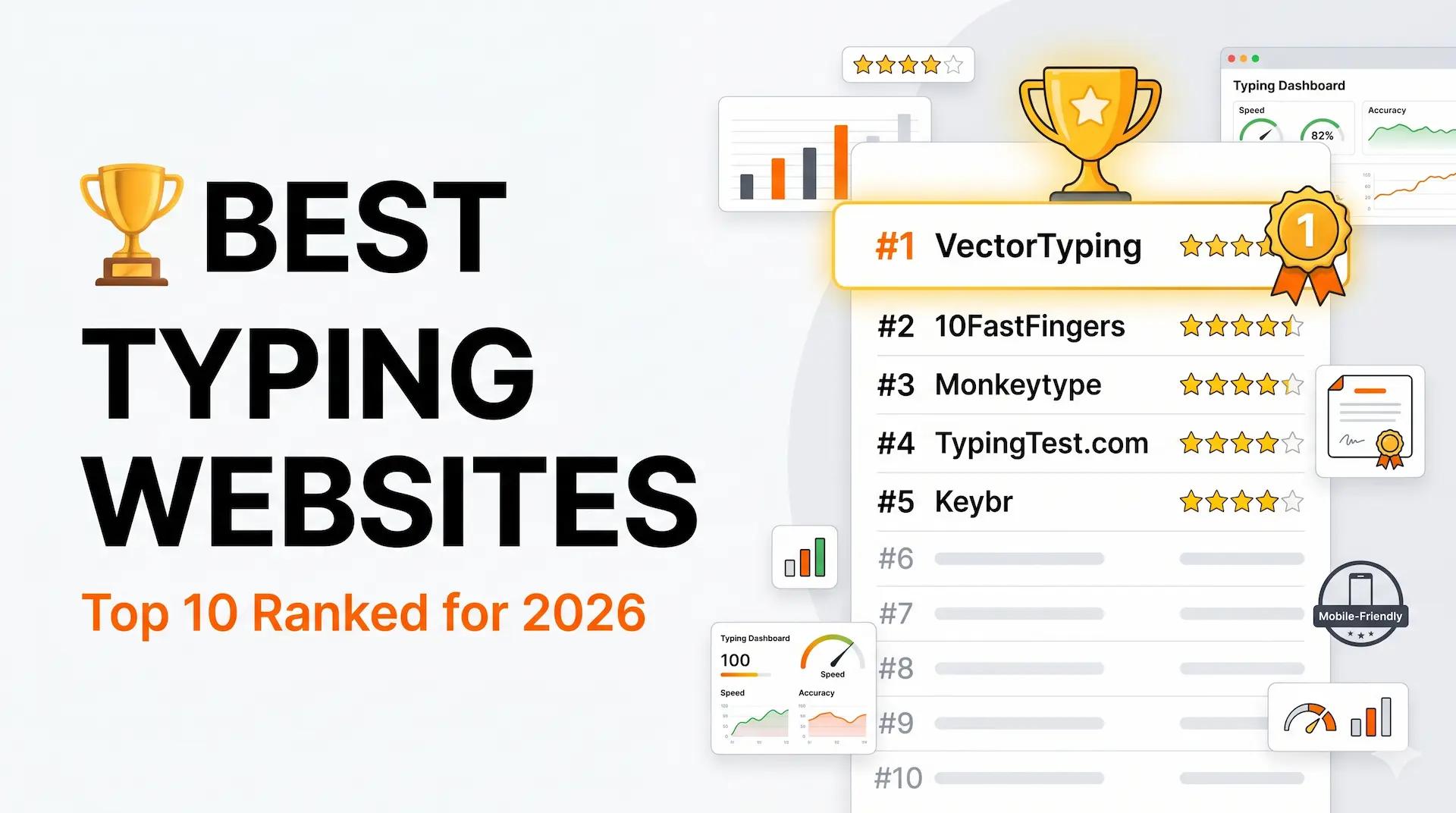
Best Typing Websites 2026: Top 10 Free Typing Test & Practice Sites
Discover the best typing websites in 2026. Compare VectorTyping, Monkeytype, 10FastFingers, Keybr, TypingTest.com, and more to improve your typing speed and accuracy.
VectorTyping Team
·
7 Jun 2026
5 min read
Read

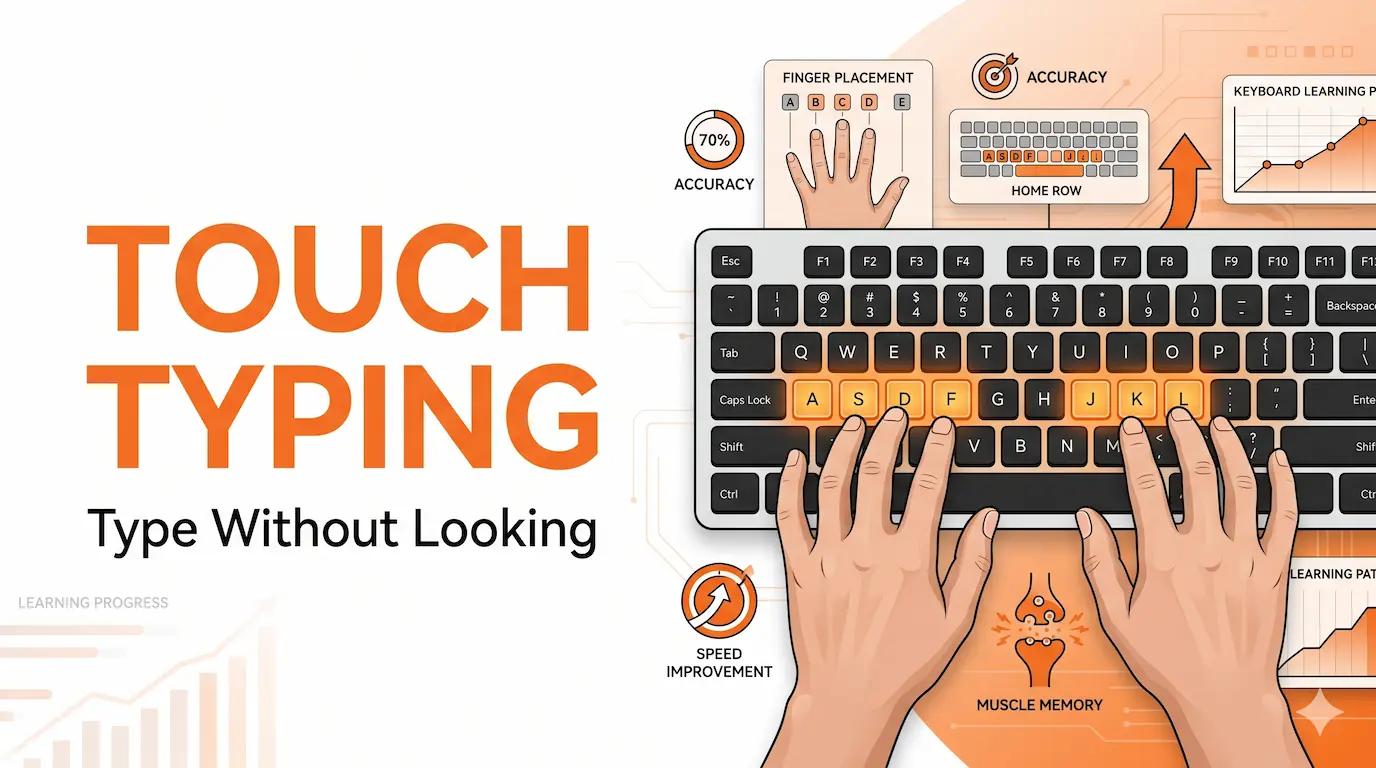
Touch Typing Tutorial: Learn to Type Without Looking at the Keyboard
Learn touch typing step-by-step with this beginner-friendly guide. Master proper finger placement, improve typing speed, and type without looking at the keyboard.
VectorTyping Team
·
6 Jun 2026
6 min read
Read

Typing Speed Test: Free Online WPM Test with Certificate
Take a free typing speed test online and check your WPM, accuracy, and typing performance instantly. Get a free certificate with verification ID on VectorTyping.
VectorTyping Team
·
5 Jun 2026
6 min read
Read