
VectorTyping Team
·
7 Jun 2026
·
9 min read
Best Typing Websites 2026: Top 10 Free Typing & Practice Sites Ranked
Compare the 10 best typing websites of 2026 — VectorTyping, Monkeytype, Keybr, 10FastFingers, and more. Find the best site for govt exams, free certificates, and speed practice.
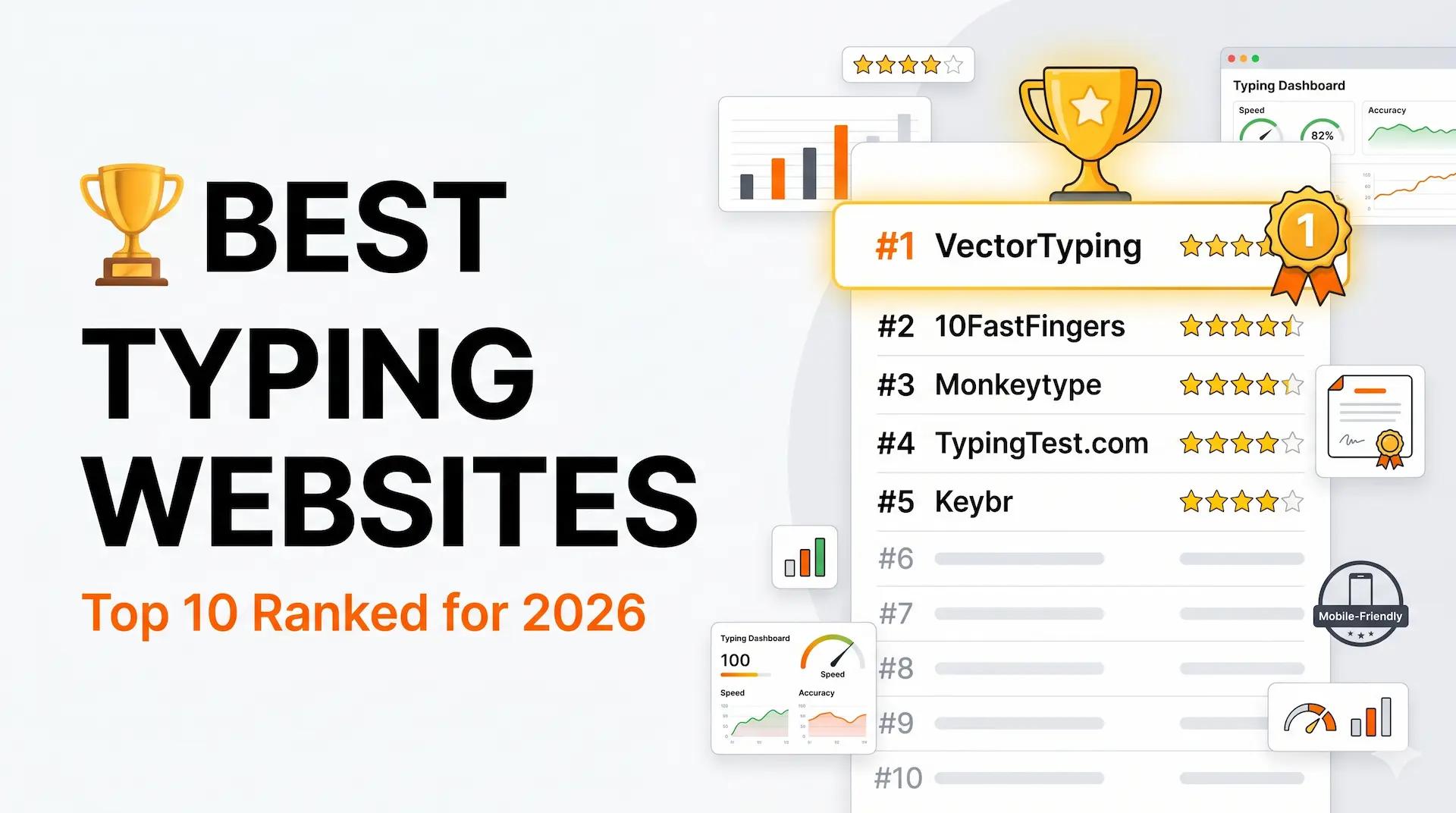
Looking for the best typing websites in 2026? Whether you are preparing for an SSC, Railway RRB, or Army Agniveer typing exam, trying to land a data-entry job, or simply want to improve your keyboard speed — this guide ranks and compares the top 10 platforms so you can pick the right one without wasting time.
We evaluated each site on free features, mobile support, typing certificates, government exam suitability, accuracy of WPM measurement, and overall learning experience.
Quick Answer: Best Typing Websites 2026
If you only have one minute: VectorTyping is the best all-round typing website for Indian users. It offers free tests, verified certificates, government-exam practice passages, and works flawlessly on mobile — no account required.
For competitive speed junkies: Monkeytype. For school students: Typing.com. For Hindi typing: VectorTyping or TypingBaba.
Top 10 Typing Websites — Comparison Table
Best Typing Websites 2026 — Full Comparison
| Rank | Website | Best For | Free Certificate | Govt Exam Mode | Mobile Friendly | Rating |
|---|---|---|---|---|---|---|
| 1 | VectorTyping | Govt exams + all-round | Yes | Yes | Yes | 5/5 |
| 2 | Monkeytype | Speed & minimalism | No | No | Partial | 4.5/5 |
| 3 | 10FastFingers | Competitive typing | No | No | Yes | 4/5 |
| 4 | Keybr | Touch typing learning | No | No | Yes | 4/5 |
| 5 | Typing.com | Beginners & schools | No | No | Yes | 3.5/5 |
| 6 | TypingBaba | Hindi typing / SSC | Yes | Partial | Partial | 3.5/5 |
| 7 | TypingTest.com | Quick speed test | No | No | Yes | 3/5 |
| 8 | Ratatype | Structured courses | Yes | No | Yes | 3/5 |
| 9 | NitroType | Fun / gamified | No | No | Yes | 3/5 |
| 10 | SpeedTypingOnline | Casual practice | No | No | Yes | 2.5/5 |
#1 VectorTyping — Best Overall for Indian Users
VectorTyping is built specifically for aspirants preparing for government competitive exams in India, while remaining useful for anyone who wants to improve their typing. It is the only platform in this list that combines free typing tests, verified PDF certificates, exam-specific practice passages (SSC, Railway, Banking, Army Agniveer, KVS), and accurate WPM + accuracy analytics in one place.
Key Features
VectorTyping Feature Breakdown
| Feature | Details |
|---|---|
| Typing Tests | Free, unlimited, timed (1 min, 2 min, 5 min, 10 min) |
| Government Exam Modes | SSC CHSL, SSC CGL, Railway RRB NTPC, Army Agniveer, KVS, Banking |
| Certificate | Free verified PDF certificate with unique ID |
| WPM Tracking | Real-time WPM + accuracy + error highlighting |
| Mobile Support | Fully responsive, works on Android & iOS browsers |
| Hindi Typing | Supported (Mangal/Krutidev) |
| Sign-up Required | No — start immediately |
| Price | Free (premium plans available) |
Pros
Free typing certificates with verification ID accepted on resumes and LinkedIn
Government exam-specific passages with realistic test conditions
Backspace behaviour matches actual exam engines (SSC, Army)
Works without creating an account
Clean, distraction-free interface
Cons
Newer platform — smaller community than Monkeytype or 10FastFingers
Best For
Government exam aspirants (SSC, Railway, Army, KVS, Banking), data-entry job seekers, students wanting a verified certificate, Hindi typists.
#2 Monkeytype — Best for Speed-Focused Typists
Monkeytype is the favourite among advanced typists who want a minimal, highly customisable speed-testing environment. It loads instantly, tracks detailed stats over time, and offers dozens of word-list modes and time durations.
Key Features
Monkeytype Feature Breakdown
| Feature | Details |
|---|---|
| Test Modes | Words, time, quotes, code, custom text |
| Customisation | Themes, fonts, caret styles, live WPM display toggle |
| Stats History | Detailed graphs of WPM, accuracy, consistency over time |
| Certificate | No |
| Govt Exam Mode | No |
| Mobile Support | Partial (keyboard required) |
| Price | Free, open-source |
Pros
Extremely fast, no page reloads between tests
Dozens of custom themes and word lists
Excellent long-term progress tracking
Open-source and ad-free
Cons
No typing certificates — not useful for job applications
No government-exam practice passages
Not ideal for beginners — no structured lessons
Best For
Experienced typists who already type 50+ WPM and want to push higher. Not recommended for government exam preparation.
#3 10FastFingers — Best for Competitive Typing
10FastFingers is one of the oldest typing platforms on the internet and is best known for its competitive leaderboards, typing races, and massive multilingual word library. If you enjoy competing against others in real time, this is your site.
Key Features
10FastFingers Feature Breakdown
| Feature | Details |
|---|---|
| Typing Races | Real-time multiplayer races against other users |
| Languages | 50+ languages including Hindi |
| Leaderboards | Global and country-specific speed rankings |
| Certificate | No |
| Govt Exam Mode | No |
| Mobile Support | Yes |
| Price | Free |
Pros
Multiplayer typing races keep practice engaging
50+ language support including Hindi
Large active community
Cons
No certificates, no exam-specific practice
Interface feels dated compared to newer platforms
Encourages speed over accuracy — bad habit for beginners
Best For
Users who want gamified competition. Not suitable for government exam preparation or certificate generation.
#4 Keybr — Best for Learning Touch Typing
Keybr uses an adaptive algorithm that analyses your error patterns and generates practice text that targets your weakest keys. Instead of random words, you practise exactly what you struggle with. This makes it one of the most effective platforms for building true touch typing from scratch.
Key Features
Keybr Feature Breakdown
| Feature | Details |
|---|---|
| Learning Method | Adaptive algorithm targets weakest keys |
| Lessons | Structured key-by-key progression |
| Stats | Per-key speed and accuracy heatmaps |
| Certificate | No |
| Govt Exam Mode | No |
| Mobile Support | Yes |
| Price | Free (premium removes ads) |
Pros
Most effective method for complete beginners to learn touch typing
Adaptive exercises mean you never waste time on keys you already know
Clean, distraction-free interface
Cons
No typing tests in the traditional timed-WPM format
No certificates, no competitive features
Less useful if you already touch type
Best For
Complete beginners who have never learned proper finger placement and want to build a strong touch-typing foundation.
#5 Typing.com — Best for School Students
Typing.com is widely used in schools and educational institutions across the US and is also popular in India. It offers a full curriculum of typing lessons from beginner to advanced, with built-in games to keep younger users engaged.
Pros
Structured lesson path from zero to 60+ WPM
Built-in typing games keep students motivated
Teacher dashboard for classroom tracking
Free access to all core content
Cons
No Indian government exam practice
Certificate system is basic with no verification ID
American English word lists — minor issue for Indian users
Best For
School students, teachers setting classroom typing goals, and absolute beginners who want guided lessons.
#6 TypingBaba — Best for Hindi Typing (SSC/CHSL)
TypingBaba is a popular choice among SSC and state-government exam candidates who need to practice Hindi typing in Krutidev or Mangal font. It has exam-specific practice material and offers certificates for both Hindi and English typing.
Pros
Krutidev and Mangal font support for Hindi typing
SSC CHSL and CPCT practice material
Hindi and English typing certificates
Cons
Interface has not been significantly updated in years
Fewer modern exam patterns (Railway, Army) compared to VectorTyping
Mobile experience is mediocre
Best For
Aspirants specifically preparing for SSC CHSL Hindi typing or state PSC exams requiring Krutidev/Mangal.
#7–#10: Other Notable Platforms
Other Typing Websites — Quick Comparison
| Website | Best Feature | Biggest Weakness | Best For |
|---|---|---|---|
| TypingTest.com | Instant WPM test, no setup | No certificates, old UI | Quick one-off speed checks |
| Ratatype | Structured courses + certificates | Small community, fewer exam modes | Organised team/school training |
| NitroType | Gamified racing format | Not professional, no certs | Kids and casual practice |
| SpeedTypingOnline | Simple and ad-free | Very basic, no extras | Casual 5-minute warmups |
Which Typing Website is Best for Government Exams in India?
This is the most important question for Indian users. Government typing exams have very specific requirements — fixed WPM targets, strict accuracy cutoffs, particular backspace rules, and exam-specific passage styles. Using the wrong platform can mean practising in the wrong format.
Best Typing Websites by Government Exam
| Exam | Required Speed | Language | Best Platform |
|---|---|---|---|
| SSC CGL / CHSL | 35 WPM (English) / 30 WPM (Hindi) | English / Hindi | VectorTyping |
| Railway RRB NTPC | 30 WPM (English) / 25 WPM (Hindi) | English / Hindi | VectorTyping |
| Army Agniveer | 25 WPM minimum | English | VectorTyping |
| KVS / NVS | 35 WPM | English / Hindi | VectorTyping |
| Banking (IBPS/SBI) | 30–35 WPM | English | VectorTyping |
| CPCT (MP) | 30 WPM Hindi + 20 WPM English | Hindi + English | TypingBaba / VectorTyping |
| UP Police / State PSC | 25 WPM Hindi | Hindi | VectorTyping / TypingBaba |
VectorTyping is the only platform that replicates the exact backspace behaviour, passage style, and time pressure of these exams. For CPCT and state exams with heavy Krutidev requirements, TypingBaba is a useful supplement.
How We Ranked These Websites
Our ranking is based on seven weighted criteria evaluated across all ten platforms:
Ranking Criteria and Weights
| Criterion | Weight | What We Looked At |
|---|---|---|
| Free Core Features | 20% | Can you test and practice without paying? |
| Certificate Quality | 20% | Is the certificate verifiable? Accepted by employers? |
| Govt Exam Suitability | 20% | Exam-specific passages, backspace rules, WPM targets |
| Mobile Experience | 15% | Does it work on Android / iOS without issues? |
| Learning Tools | 10% | Adaptive lessons, finger guides, error analysis |
| User Experience | 10% | Speed, modern UI, no intrusive ads |
| Progress Tracking | 5% | Historical WPM graphs, accuracy trends |
Frequently Asked Questions
What is the best free typing website in 2026?
VectorTyping is the best free typing website for most users because it includes unlimited tests, verified certificates, government exam modes, and Hindi typing support — all without payment or registration.
Which typing website gives a free certificate?
VectorTyping and Ratatype both offer free typing certificates. VectorTyping's certificate includes a unique verification ID that employers, LinkedIn, and government exam applications accept. TypingBaba also provides basic certificates for Hindi typing.
Is Monkeytype good for government exam preparation?
No. Monkeytype is excellent for pushing raw speed but has no government-exam passages, no backspace-rule simulation, and no certificates. Use VectorTyping for exam preparation and Monkeytype as an optional speed-drilling supplement.
Which website is best for improving typing speed fast?
For structured improvement: Keybr (if you're a beginner) or VectorTyping (if you're preparing for a specific exam target). For raw speed drilling: Monkeytype. Research consistently shows that deliberate, accuracy-first practice produces the fastest long-term WPM gains.
Can I practice Hindi typing online for free?
Yes. VectorTyping supports Mangal and Krutidev Hindi typing for free. TypingBaba is another option specifically for Krutidev-based exams like SSC CHSL Hindi and CPCT.
Do typing websites work on mobile phones?
Most typing websites work on mobile browsers with a Bluetooth keyboard. For touchscreen-only practice, VectorTyping and Typing.com have the best mobile-optimised layouts. Monkeytype has limited mobile support.
Final Verdict
After reviewing all ten platforms, VectorTyping earns the top spot in 2026 for the following reasons:
Why VectorTyping Ranks #1
| Category | VectorTyping Advantage |
|---|---|
| Government Exams | Only platform with passages and rules for SSC, Railway, Army, KVS, Banking |
| Certificate | Free verified certificate with unique ID — accepted by employers |
| Accessibility | No sign-up, no payment, works on any device |
| Hindi Typing | Mangal and Krutidev support built in |
| Speed & Accuracy | Real-time WPM + error highlight matching actual exam conditions |
Monkeytype is the best choice if you are already proficient and want to push past 80 WPM. Keybr is ideal if you are starting from zero and want to learn proper touch typing. Typing.com is best for school-age learners.
But for the vast majority of Indian users — especially the millions preparing for government competitive exams — VectorTyping is the clear winner.
Start your free typing test on VectorTyping today and find out exactly where you stand.
Keep learning
Continue Reading
More articles on practice

How to Pass the SSC Typing Test Using VectorTyping: 30-Day Practice Plan
Complete guide to passing the SSC CHSL and CGL typing test. Includes scoring rules, KPH conversion for DEO posts, Hindi Inscript layout guide, and a 30-day VectorTyping plan.
Pinku
·
9 Aug 2026
9 min read
Read
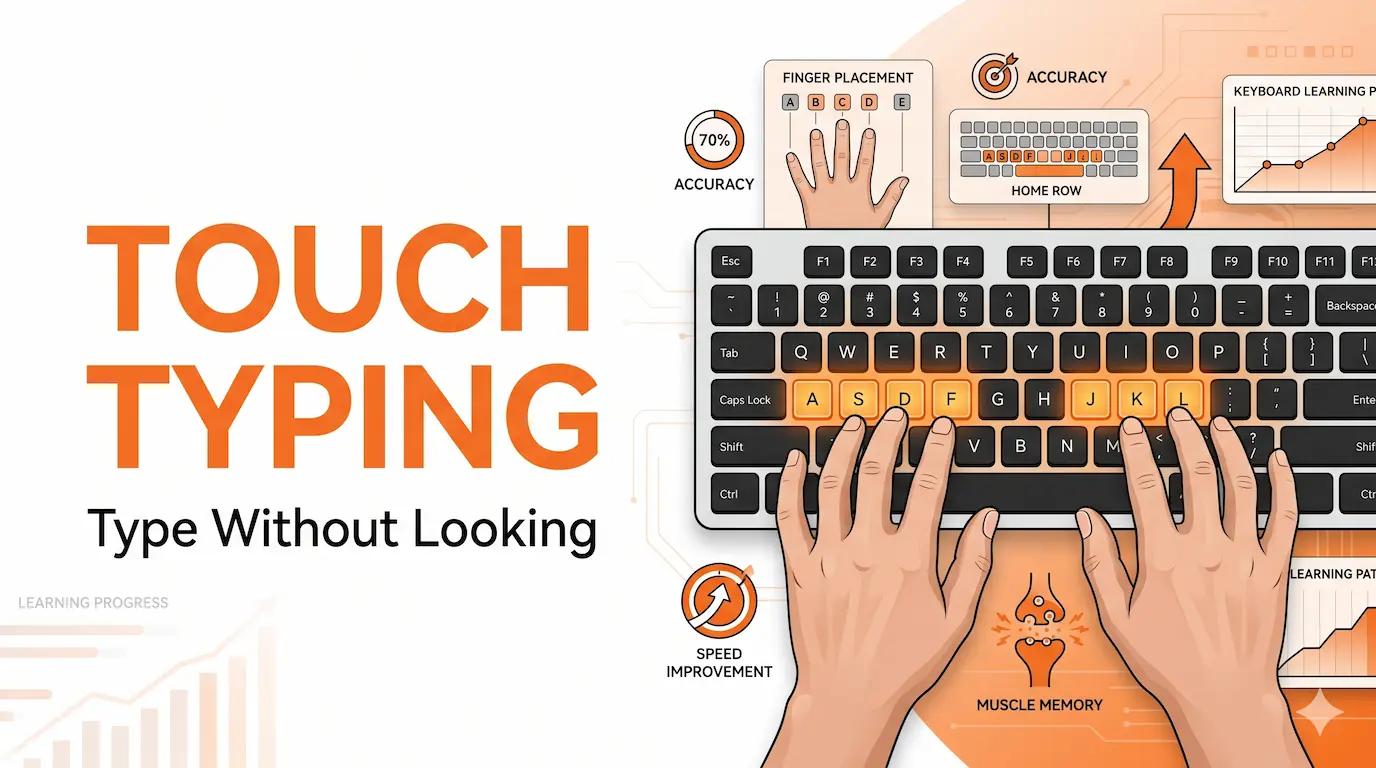
Touch Typing Tutorial: Learn to Type Without Looking — Complete Beginner Guide
Step-by-step touch typing tutorial for beginners. Home row placement, finger key map, 4-week learning plan, common mistakes, and govt exam suitability guide.
VectorTyping Team
·
6 Jun 2026
9 min read
Read
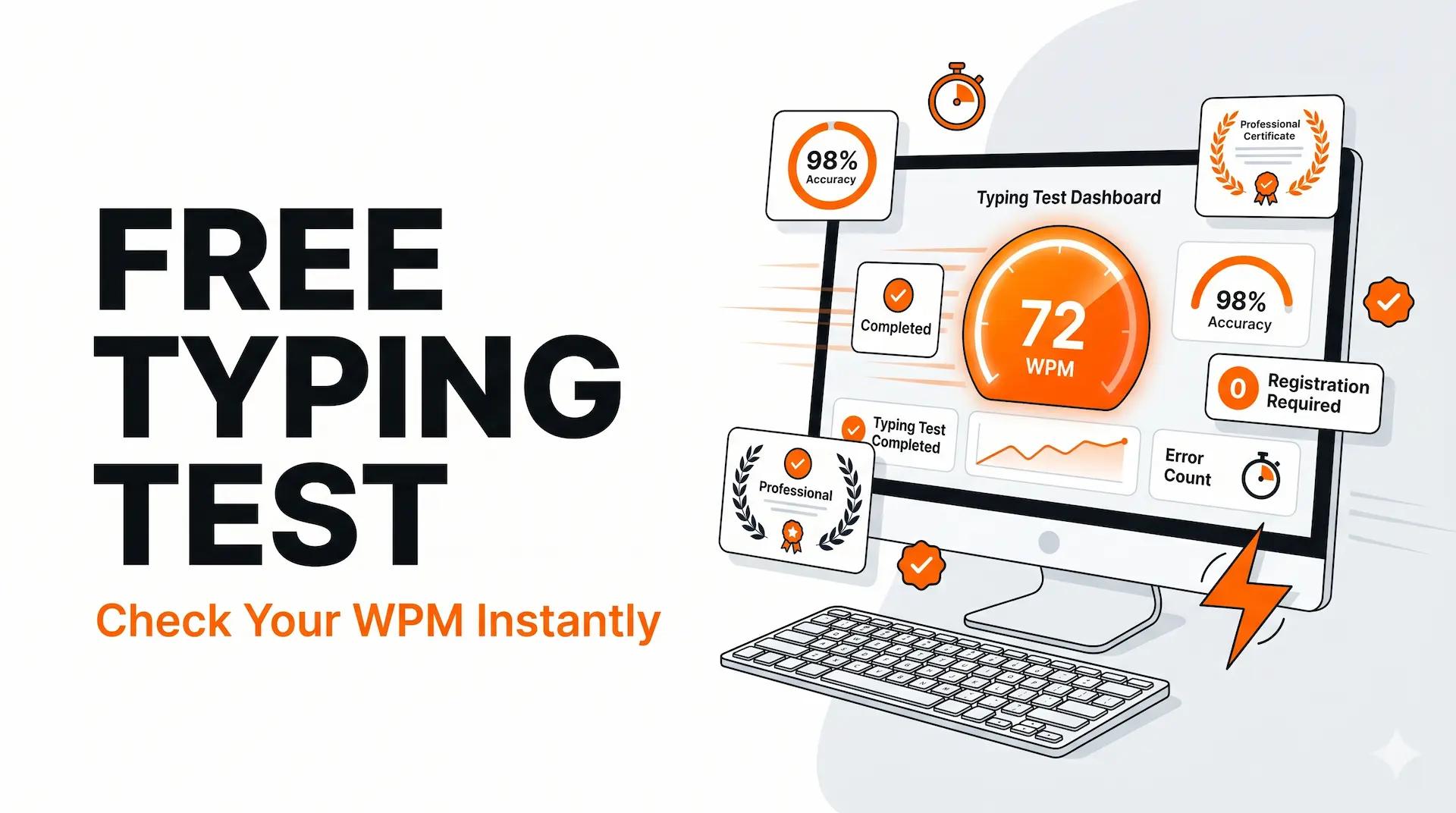
Typing Speed Test: Free Online WPM Test — Results, Benchmarks & Certificate
Free online typing speed test with instant WPM and accuracy results. Compare your score to govt exam cutoffs, age benchmarks, and professional standards — get a free certificate.
VectorTyping Team
·
5 Jun 2026
8 min read
Read
Free to start · No sign-up required
Ready to improve your typing speed?
Practice SSC, Railway, Banking, Hindi & English typing with real exam passages and live WPM tracking.
10K+
Passages
50+
Exam patterns
100%*
Free forever