
VectorTyping Team
·
5 Jun 2026
·
8 min read
Typing Speed Test: Free Online WPM Test — Results, Benchmarks & Certificate
Free online typing speed test with instant WPM and accuracy results. Compare your score to govt exam cutoffs, age benchmarks, and professional standards — get a free certificate.
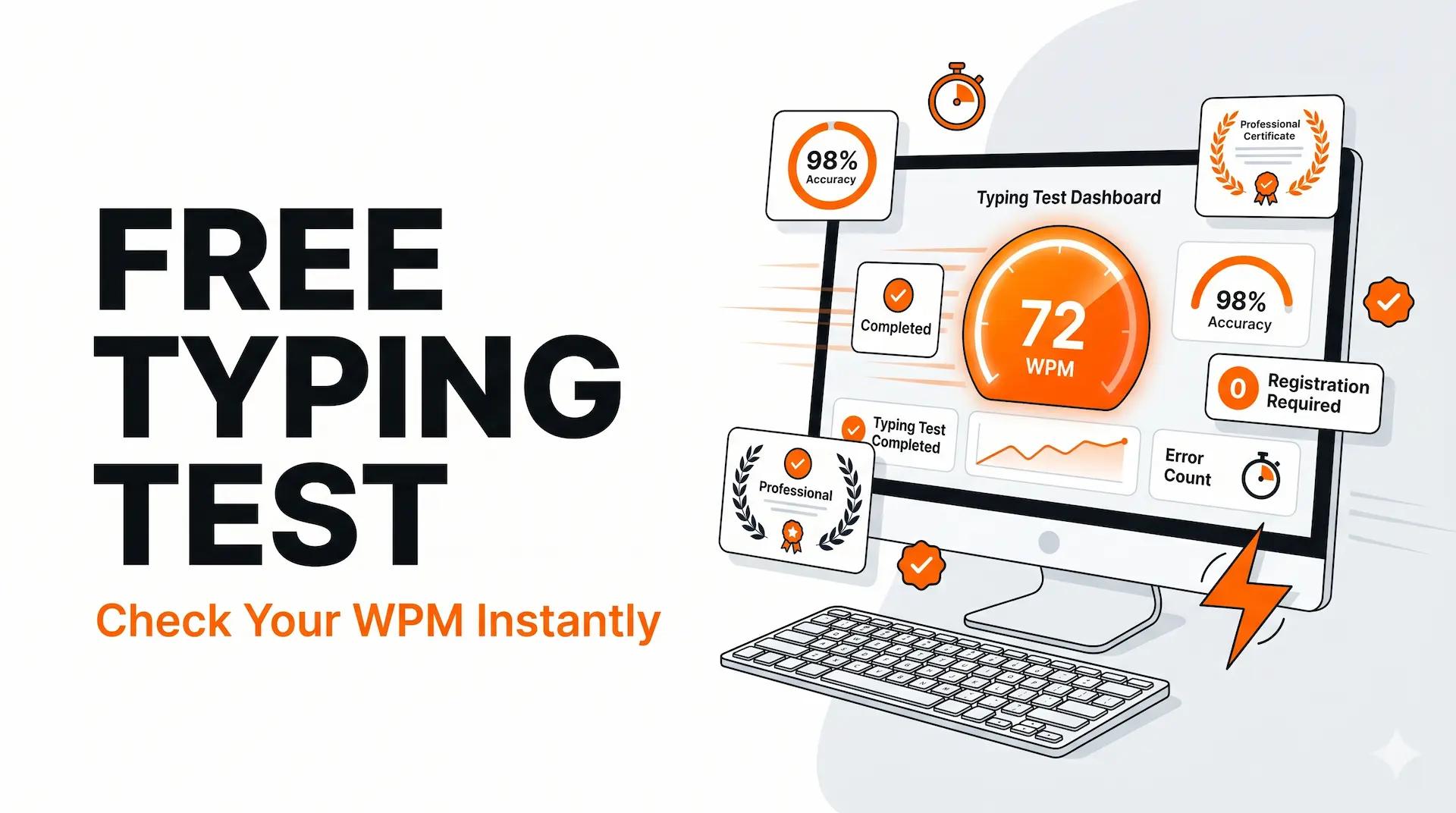
A typing speed test measures how many words you can type accurately in a given time period, expressed as WPM (words per minute). VectorTyping's free online typing test gives you your WPM, accuracy percentage, and a downloadable certificate — no account required, instant results.
Take the test now and come back to this page to understand exactly what your score means, how it compares to exam requirements and professional benchmarks, and what to do next.
What Does a Typing Speed Test Measure?
A typing speed test presents a passage of text and records two things as you type it: how fast you type (WPM) and how accurately you type (accuracy %). Most platforms, including VectorTyping, calculate net WPM — which deducts errors from gross speed to give a more meaningful single number.
Typing Test Metrics Explained
| Metric | Definition | Why It Matters |
|---|---|---|
| Gross WPM | Total characters typed ÷ 5 ÷ minutes | Raw typing speed before error penalty |
| Net WPM | Correct characters ÷ 5 ÷ minutes | What most exams and employers actually measure |
| Accuracy % | (Correct chars ÷ total chars typed) × 100 | Error rate — critical for government exam cutoffs |
| Error Count | Number of incorrectly typed characters | Helps identify specific problem patterns |
| Consistency | Variation in WPM across the test duration | Indicates whether speed is stable or fluctuating |
How to Read Your Typing Speed Test Results
Your VectorTyping test result shows WPM, accuracy, errors, and a performance rating. Here is how to interpret them:
Typing Speed Benchmarks — What Your Score Means
| WPM Range | Level | Typical User | Government Exam Suitability |
|---|---|---|---|
| < 20 WPM | Beginner | New to typing or very occasional typist | Not ready — needs 4–8 weeks of practice |
| 20–30 WPM | Basic | Casual typist, occasional keyboard use | Below most exam cutoffs — needs improvement |
| 30–40 WPM | Average | Regular computer user, some touch typing | Borderline — close to SSC/Railway cutoff |
| 40–55 WPM | Above average | Proficient office worker or student | Comfortably above most Indian govt exam cutoffs |
| 55–70 WPM | Fast | Trained typist, data entry professional | Well above cutoffs — good professional speed |
| 70–90 WPM | Very fast | Professional secretary / transcriptionist | Expert level for most job contexts |
| 90+ WPM | Expert | Competitive typist or specialist | Top percentile globally |
Typing Speed Requirements for Indian Government Exams
Government Exam WPM Requirements — Quick Reference
| Exam | Post | English WPM | Hindi WPM | Test Duration |
|---|---|---|---|---|
| SSC CHSL Tier 3 | LDC (Lower Division Clerk) | 35 WPM | 30 WPM | 10 min |
| SSC CGL Skill Test | Tax Assistant (CBDT/CBIC) | — | — | 8,000 KPH / 15 min |
| Railway RRB NTPC | Junior Clerk-cum-Typist | 30 WPM | 25 WPM | 10 min |
| Army Agniveer | General Duty | 25 WPM | — | 10 min |
| KVS / NVS | LDC | 35 WPM | 30 WPM | 10 min |
| Banking IBPS Clerk | Clerical Cadre | 30 WPM | — | 10 min |
| UP Police (SI/ASI) | Confidential / Clerk | — | 25 WPM | 15 min |
| UP Police Computer Op | Grade A | 30 WPM | — | 15 min |
Note: exam requirements can change between recruitment cycles. Always verify against the current official notification before your exam.
How Long Should a Typing Test Be?
Typing Test Durations — Pros and Cons
| Duration | Best For | Pros | Cons |
|---|---|---|---|
| 1 minute | Quick speed check, daily warmup | Fast, low commitment | Short enough to sprint — not representative of sustained speed |
| 2 minutes | Regular practice baseline | Good balance of speed and accuracy | Still shorter than most real exams |
| 3 minutes | Standard practice test | Most widely used, good accuracy signal | Some candidates sprint and tire in last 30 sec |
| 5 minutes | Endurance and consistency check | Reveals stamina — closer to exam length | Longer commitment |
| 10 minutes | Government exam simulation | Matches actual SSC/Railway exam duration | Requires full concentration |
| 15 minutes | UP Police / DEO preparation | Full exam-length endurance | Demanding — best in later prep stages |
For most Indian government exam aspirants: practice primarily with 10-minute tests (to match actual exam length) and occasionally use 1-minute or 2-minute tests for daily warmups.
WPM vs KPH — Understanding Both Scoring Systems
Some government exams (SSC CGL, SSC CHSL DEO) use Key Depression Per Hour (KPH) rather than WPM. Here is how they relate:
WPM to KPH Conversion Table
| WPM | Approx KPH (5-char avg word) | SSC DEO Standard (8,000 KPH) | MEA DEO Standard (15,000 KPH) |
|---|---|---|---|
| 20 WPM | 6,000 KPH | Below | Below |
| 25 WPM | 7,500 KPH | Below | Below |
| 27 WPM | 8,100 KPH | Pass | Below |
| 30 WPM | 9,000 KPH | Pass | Below |
| 40 WPM | 12,000 KPH | Pass | Below |
| 50 WPM | 15,000 KPH | Pass | Pass (borderline) |
| 55 WPM | 16,500 KPH | Pass | Pass |
Formula: KPH ≈ WPM × 5 × 60 / test_duration_minutes. For a 15-minute DEO test: KPH = WPM × 5 × 60 / 15 = WPM × 20.
Typing Speed by Age and Profession
Average Typing Speed Benchmarks
| Group | Average WPM | Notes |
|---|---|---|
| General population (age 18–34) | 38–42 WPM | Non-professional, regular keyboard use |
| General population (age 35–54) | 35–40 WPM | Experienced but not trained |
| College students | 40–55 WPM | Heavy keyboard use for notes and assignments |
| Office workers | 40–60 WPM | Regular typing but varies widely by role |
| Data entry professionals | 60–80 WPM | Trained, accuracy-focused |
| Secretaries / transcriptionists | 70–100 WPM | Professional typing speed |
| Competitive typists | 120–180 WPM | Elite — practise hundreds of hours per year |
| Indian govt exam cutoff (most exams) | 25–35 WPM | Minimum requirement for qualifying |
Free Typing Certificate from VectorTyping
VectorTyping provides a free downloadable typing certificate after each test. The certificate includes your name, WPM, accuracy, test date, and a unique verification ID that can be checked at a public URL.
VectorTyping Certificate Features
| Feature | Details |
|---|---|
| Format | PDF, ready to download immediately after test |
| Contents | Name, WPM, accuracy %, date, test duration, exam type |
| Verification ID | Unique code — verifiable by employers at VectorTyping URL |
| Cost | Free — no sign-up, no payment |
| Use cases | Resume, LinkedIn profile, government exam application, job interview |
| Validity | Permanent — certificate and verification ID do not expire |
For government exam applications that require a typing certificate, verify the specific certificate format requirements in your exam notification before submitting the VectorTyping certificate.
How to Improve Your Typing Speed After a Test
Next Steps Based on Your Test Score
| Your Score | Priority Action | Recommended Resource |
|---|---|---|
| Below 20 WPM | Learn touch typing from scratch | Keybr.com for adaptive key learning |
| 20–28 WPM | Fix keyboard-looking habit, build home row | Covered-keyboard practice + VectorTyping |
| 28–33 WPM | Accuracy-first practice on exam passages | VectorTyping SSC/Railway exam mode |
| 33–38 WPM | Speed drills + weekly mock tests | VectorTyping timed mock tests |
| 38+ WPM | Endurance and consistency training | VectorTyping 10-min and 15-min test modes |
Frequently Asked Questions
How is WPM calculated in a typing test?
WPM = Total characters typed correctly ÷ 5 ÷ minutes. The ÷5 converts characters to 'words' (assuming a standard average word length of 5 characters including spaces). Net WPM deducts errors: (correct chars − errors) ÷ 5 ÷ minutes.
Is 40 WPM a good typing speed?
40 WPM is above average for the general population and comfortable for everyday computer use. For Indian government exam aspirants, 40 WPM with 95%+ accuracy provides a good buffer above most exam cutoffs (25–35 WPM). For data entry jobs, 50–60 WPM is typically expected.
How accurate should a typing test be?
For government exams, aim for 95–97% accuracy consistently. This ensures your net WPM remains above cutoffs even after error deductions. In practice, 97%+ accuracy is achievable and should be your target before increasing speed.
Can I take the typing test on a mobile phone?
Yes. VectorTyping's typing test is mobile-optimised and works on Android and iOS browsers with a Bluetooth keyboard. A physical keyboard is required for any accurate WPM measurement — touchscreen typing is not practical for timed tests.
Is the VectorTyping certificate accepted for government jobs?
VectorTyping certificates include a verifiable ID and are suitable for general resume and LinkedIn use. For specific government exam applications, check whether the official notification specifies an accepted certificate format. Some exams specify certificates only from government-recognised typing institutes.
Ready to Test Your Typing Speed?
Take a free typing speed test on VectorTyping — no registration, instant results, free certificate. Available test modes: 1 minute, 2 minutes, 3 minutes, 5 minutes, 10 minutes. Government exam modes: SSC CHSL, Railway RRB NTPC, Army Agniveer, KVS, Banking IBPS, UP Police.
Keep learning
Continue Reading
More articles on practice

How to Pass the SSC Typing Test Using VectorTyping: 30-Day Practice Plan
Complete guide to passing the SSC CHSL and CGL typing test. Includes scoring rules, KPH conversion for DEO posts, Hindi Inscript layout guide, and a 30-day VectorTyping plan.
Pinku
·
9 Aug 2026
9 min read
Read

Best Typing Websites 2026: Top 10 Free Typing & Practice Sites Ranked
Compare the 10 best typing websites of 2026 — VectorTyping, Monkeytype, Keybr, 10FastFingers, and more. Find the best site for govt exams, free certificates, and speed practice.
VectorTyping Team
·
7 Jun 2026
9 min read
Read
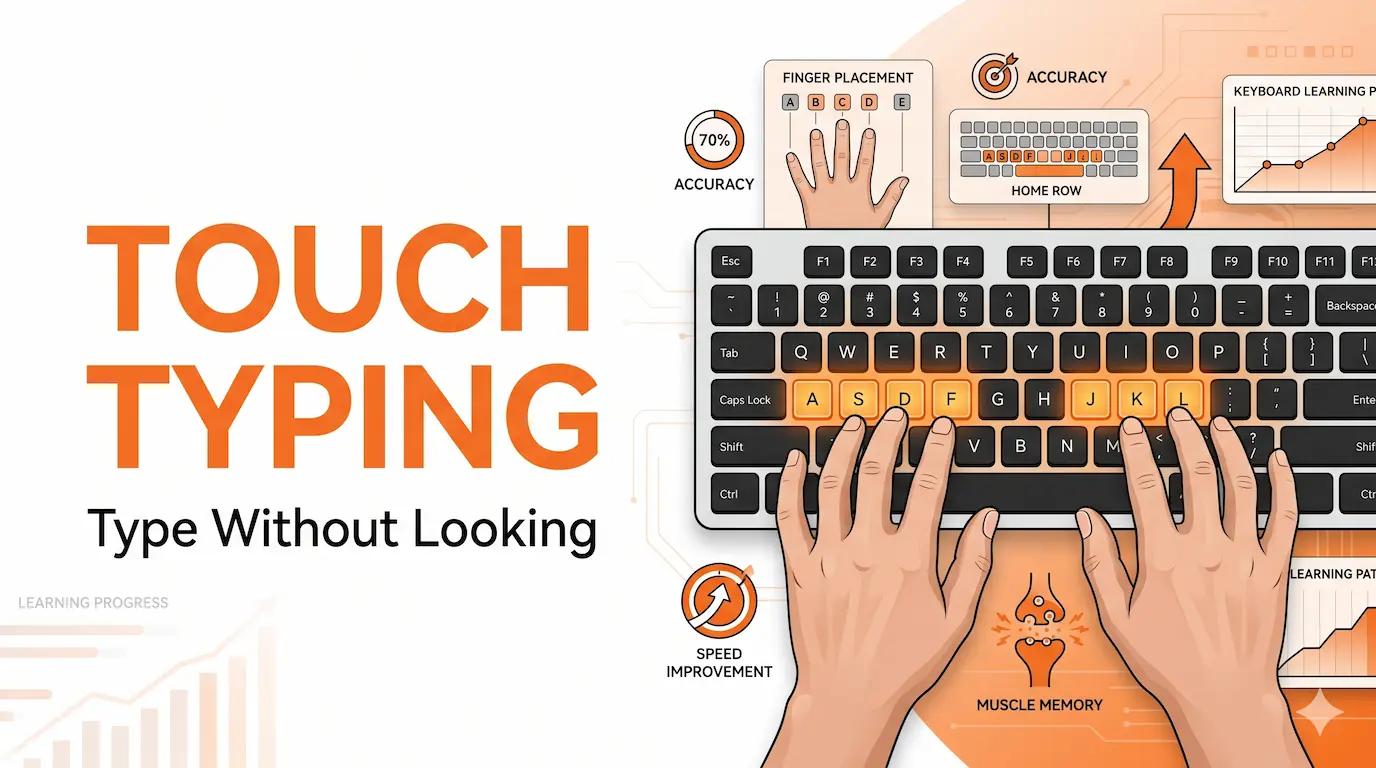
Touch Typing Tutorial: Learn to Type Without Looking — Complete Beginner Guide
Step-by-step touch typing tutorial for beginners. Home row placement, finger key map, 4-week learning plan, common mistakes, and govt exam suitability guide.
VectorTyping Team
·
6 Jun 2026
9 min read
Read
Free to start · No sign-up required
Ready to improve your typing speed?
Practice SSC, Railway, Banking, Hindi & English typing with real exam passages and live WPM tracking.
10K+
Passages
50+
Exam patterns
100%*
Free forever