VectorTyping logo

VectorTyping

AI Typing Platform

Blogs

Home

Blog

5-Minute Typing Test: Advanced WPM Test for Endurance & Speed

practice

5-Minute Typing Test: Advanced WPM Test for Endurance & Speed

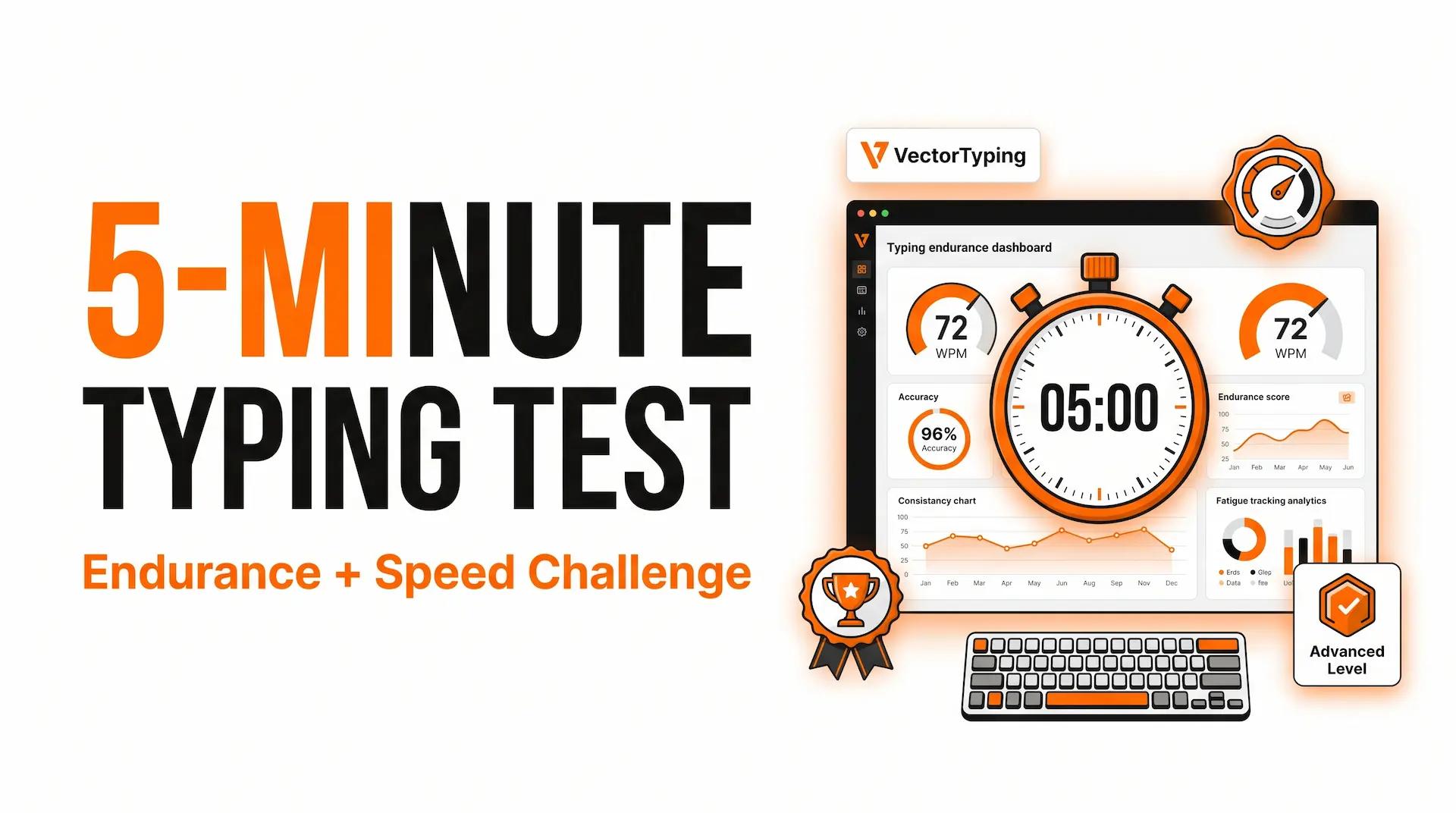
Take the free 5-minute typing test on VectorTyping. Measure your WPM, accuracy, consistency, and typing endurance with advanced performance analytics and instant results.

VectorTyping Team

5 Jun 2026

7 min read

5-Minute Typing Test: Advanced WPM Test for Endurance & Speed

Think you can maintain your typing speed for a full five minutes?

The 5-minute typing test is designed for serious typists who want to measure not just speed, but also endurance, consistency, and accuracy over a longer period. While shorter typing tests can reveal your peak WPM, a 5-minute test shows how well you perform when fatigue starts to set in.

Whether you're a writer, transcriptionist, data entry specialist, programmer, or advanced typist, the VectorTyping 5-minute typing test provides the most comprehensive typing performance assessment available.

If you're ready for the ultimate typing challenge, start your test now.

Take the 5-Minute Typing Test Now

The VectorTyping 5-minute typing test is built for users who want deeper insights into their typing performance.

What You'll Measure

  • Words Per Minute (WPM)
  • Typing Accuracy
  • Endurance Score
  • Consistency Rating
  • Error Trends
  • Performance Stability
  • Typing Fatigue Indicators

Why Choose the 5-Minute Test?

✅ Advanced typing assessment

✅ Measures endurance and focus

✅ More accurate than short tests

✅ Real-time WPM tracking

✅ Detailed analytics and reports

✅ Free typing certificate available

Complete the full five-minute challenge and discover how your typing performance holds up under pressure.

Why Take a 5-Minute Test?

Most people only measure their typing speed over one or three minutes.

However, real-world typing tasks often require sustained performance for much longer periods.

That's where the 5-minute typing test becomes valuable.

Tests Typing Endurance

Typing quickly for one minute is relatively easy.

Maintaining speed, accuracy, and focus for five consecutive minutes is much more difficult.

The 5-minute test evaluates:

  • Concentration
  • Stamina
  • Consistency
  • Error control

These skills are essential for professional typists.

Simulates Real-World Work

Most jobs don't require typing for only 60 seconds.

Professionals often spend hours working on:

  • Reports
  • Emails
  • Articles
  • Data entry tasks
  • Documentation
  • Transcriptions

The 5-minute test provides a more realistic representation of workplace typing performance.

Best for Advanced Users

If you're already comfortable typing at 50+ WPM and want to push your skills further, the 5-minute test is the next logical step.

It helps identify weaknesses that shorter tests often fail to reveal.

How the 5-Minute Test Works

The VectorTyping 5-minute test combines speed measurement with advanced performance analysis.

300-Second Timer

Once the test begins, you'll have exactly five minutes to type the provided text.

The countdown timer remains visible throughout the session.

Real-Time WPM Tracking

Your typing speed is calculated continuously as you type.

This helps you understand:

  • Speed fluctuations
  • Consistency trends
  • Performance changes over time

Accuracy Monitoring

Typing fast is only useful when accuracy remains high.

VectorTyping tracks:

  • Correct words
  • Incorrect words
  • Error percentage
  • Accuracy score

Fatigue Tracking

One of the most unique aspects of the 5-minute test is its ability to reveal typing fatigue.

Many users experience:

  • Slower speeds after several minutes
  • Increased error rates
  • Reduced focus

Monitoring these patterns helps identify areas for improvement.

Detailed Performance Analytics

At the end of the test, you'll receive a comprehensive report showing:

  • Average WPM
  • Peak WPM
  • Accuracy percentage
  • Consistency score
  • Error trends
  • Endurance rating

This provides a much deeper understanding of your typing abilities than shorter tests.

What Is a Good 5-Minute Test Score?

A good score isn't just about typing quickly.

The best typists maintain both speed and accuracy throughout the entire test.

5-Minute Typing Speed Benchmarks

Skill LevelWPM RangeBeginner0–30 WPMNovice31–40 WPMAverage41–50 WPMGood51–60 WPMFast61–75 WPMExpert76–90 WPMElite91+ WPM

Average Typing Speed

Most users score between 40 and 50 WPM during a 5-minute test.

This is considered average and suitable for everyday computer use.

Good Performance

A score of:

  • 50–60 WPM
  • 95%+ accuracy

is considered strong and above average.

Advanced Performance

Advanced typists often achieve:

  • 70+ WPM
  • High consistency
  • Minimal accuracy loss

throughout the entire five-minute session.

Accuracy Matters More Than Speed

A typist maintaining:

  • 60 WPM
  • 97% accuracy

typically performs better than someone achieving:

  • 80 WPM
  • 85% accuracy

Aim to keep your accuracy above 90%, with 95%+ being the ideal target.

Who Should Take the 5-Minute Test?

The 5-minute typing test is ideal for professionals who rely heavily on keyboard skills.

Transcriptionists

Transcription work requires sustained typing speed for extended periods.

A 5-minute test closely mirrors real transcription workloads.

Writers and Content Creators

Writers often spend hours producing articles, reports, and documentation.

Endurance matters just as much as raw speed.

Data Entry Professionals

Data entry roles require consistent typing performance and exceptional accuracy.

The 5-minute test helps evaluate both.

Virtual Assistants

Virtual assistants frequently manage communication, scheduling, and documentation tasks throughout the day.

Strong typing endurance improves productivity significantly.

Advanced Typists

If you're already comfortable with 60+ WPM, the 5-minute test provides a meaningful challenge and deeper performance insights.

Competitive Typists

Many competitive typists use longer tests to improve consistency and endurance.

The 5-minute format is excellent for advanced training.

Tips for Improving Your 5-Minute Test Score

The longer the test, the more important consistency becomes.

Use these proven strategies to improve your performance.

Warm Up Before Testing

Start with a quick 1-minute or 3-minute typing test before attempting the full challenge.

This helps:

  • Activate muscle memory
  • Improve finger coordination
  • Increase confidence

Maintain Proper Posture

Poor posture can lead to:

  • Wrist strain
  • Shoulder fatigue
  • Reduced focus

Keep:

  • Back straight
  • Feet flat on the floor
  • Wrists relaxed
  • Screen at eye level

Focus on Rhythm

Don't sprint during the first minute.

Instead:

  • Maintain a comfortable pace
  • Stay relaxed
  • Avoid unnecessary errors

Consistency produces better long-term results than short bursts of speed.

Prioritize Accuracy

Correcting mistakes consumes valuable time and breaks concentration.

Focus on clean, accurate typing rather than chasing a higher WPM number.

Stay Mentally Focused

Many users lose concentration during longer tests.

Try to:

  • Read ahead slightly
  • Maintain breathing rhythm
  • Avoid distractions

Take Micro-Breaks Between Practice Sessions

When practicing multiple tests:

  • Rest your hands briefly
  • Stretch your fingers
  • Relax your shoulders

This helps prevent fatigue and improves overall performance.

Get Your Free Typing Certificate

After completing the 5-minute typing test, you can generate a professional typing certificate showcasing your achievement.

Your certificate may include:

  • Name
  • WPM score
  • Accuracy percentage
  • Test date
  • Verification ID
  • QR code verification

Why Download a Certificate?

A verified typing certificate can be useful for:

  • Job applications
  • Resume enhancement
  • LinkedIn profiles
  • Professional portfolios
  • Personal achievement tracking

Take the test, achieve your best score, and download your certificate instantly.

Frequently Asked Questions

Is the 5-minute typing test more accurate than a 1-minute test?

Yes. A 5-minute test provides a more comprehensive evaluation because it measures endurance, consistency, and long-term accuracy.

What is a good score on a 5-minute typing test?

Most users fall between 40–50 WPM. A score above 60 WPM with 95%+ accuracy is considered very good.

Why does my speed decrease during the test?

Typing fatigue, loss of focus, and increased error correction can cause speed to drop over time. This is normal and one reason why longer tests are valuable.

Can I retake the test?

Absolutely. You can take the 5-minute typing test as many times as you want and track your improvement.

Is the test free?

Yes. VectorTyping offers a completely free 5-minute typing test with instant performance analytics.

Can I get a certificate after the test?

Yes. Eligible users can generate and download a verified typing certificate after completing the test.

Should beginners take the 5-minute test?

Beginners may find the test challenging. It's often recommended to start with a 1-minute or 3-minute test before attempting the full five-minute challenge.

Start the Ultimate Typing Challenge Today

The 5-minute typing test is the best way to evaluate your true typing ability.

Measure your speed, track your accuracy, analyze your consistency, and discover how well you perform under extended typing conditions.

Take the free 5-minute typing test on VectorTyping today and unlock advanced insights into your typing performance.

About this article

Author

VectorTyping Team

Published

5 Jun 2026

Read time

7 min read

Category

practice

Free to start · No sign-up required

Ready to improve your typing speed?

Practice SSC, Railway, Banking, Hindi & English typing with real exam passages and live WPM tracking.

Real exam-like passages
Accuracy & WPM tracking
Hindi & English typing practice
Government exam mock tests
Start Practicing Free
Explore Exam Tests

97L+

Aspirants

10K+

Passages

100%

Free forever

Keep learning

Continue Reading

More articles on practice

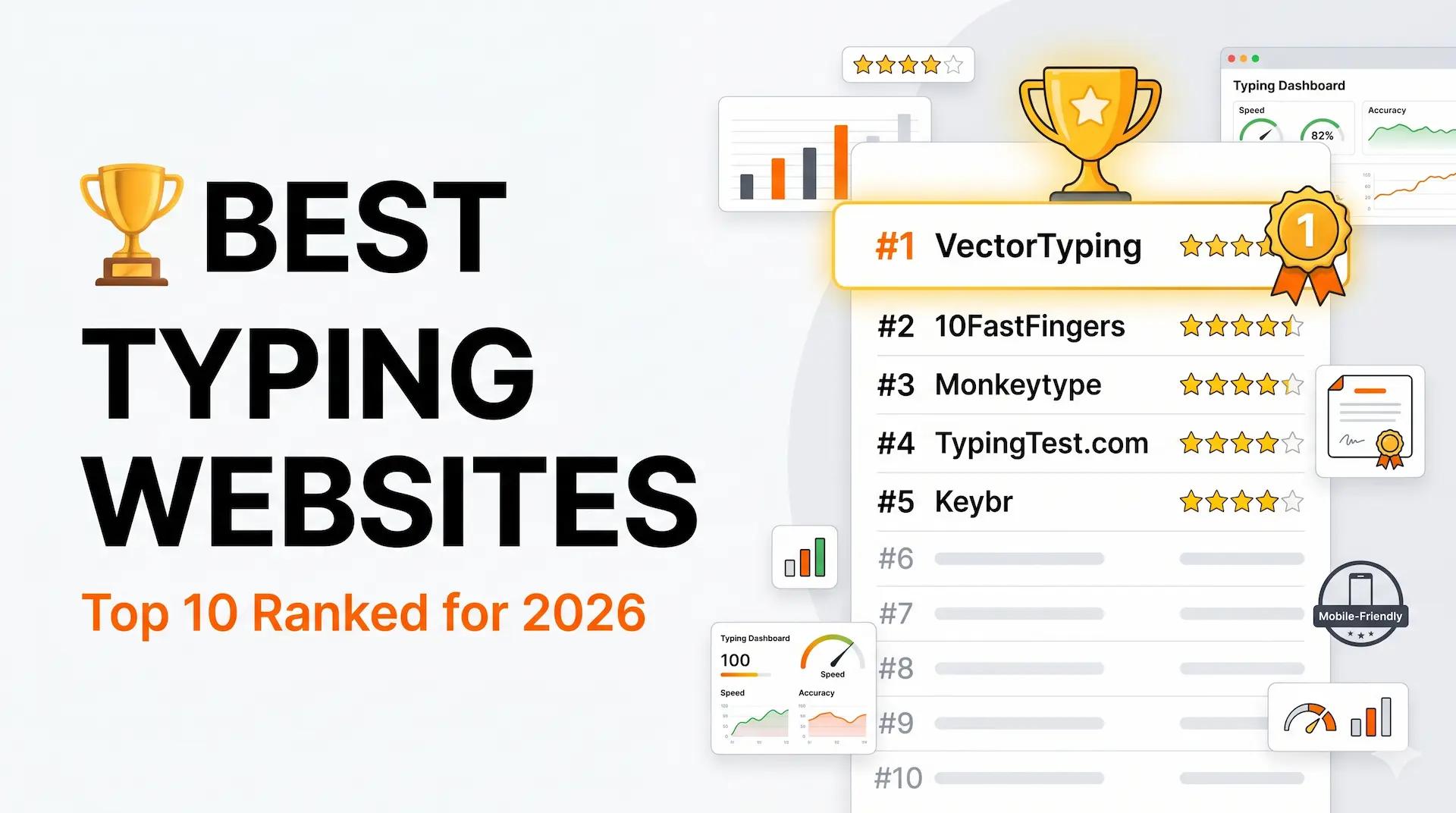
Best Typing Websites 2026: Top 10 Free Typing Test & Practice Sites

Best Typing Websites 2026: Top 10 Free Typing Test & Practice Sites

Discover the best typing websites in 2026. Compare VectorTyping, Monkeytype, 10FastFingers, Keybr, TypingTest.com, and more to improve your typing speed and accuracy.

VectorTyping Team

·

7 Jun 2026

5 min read

Read

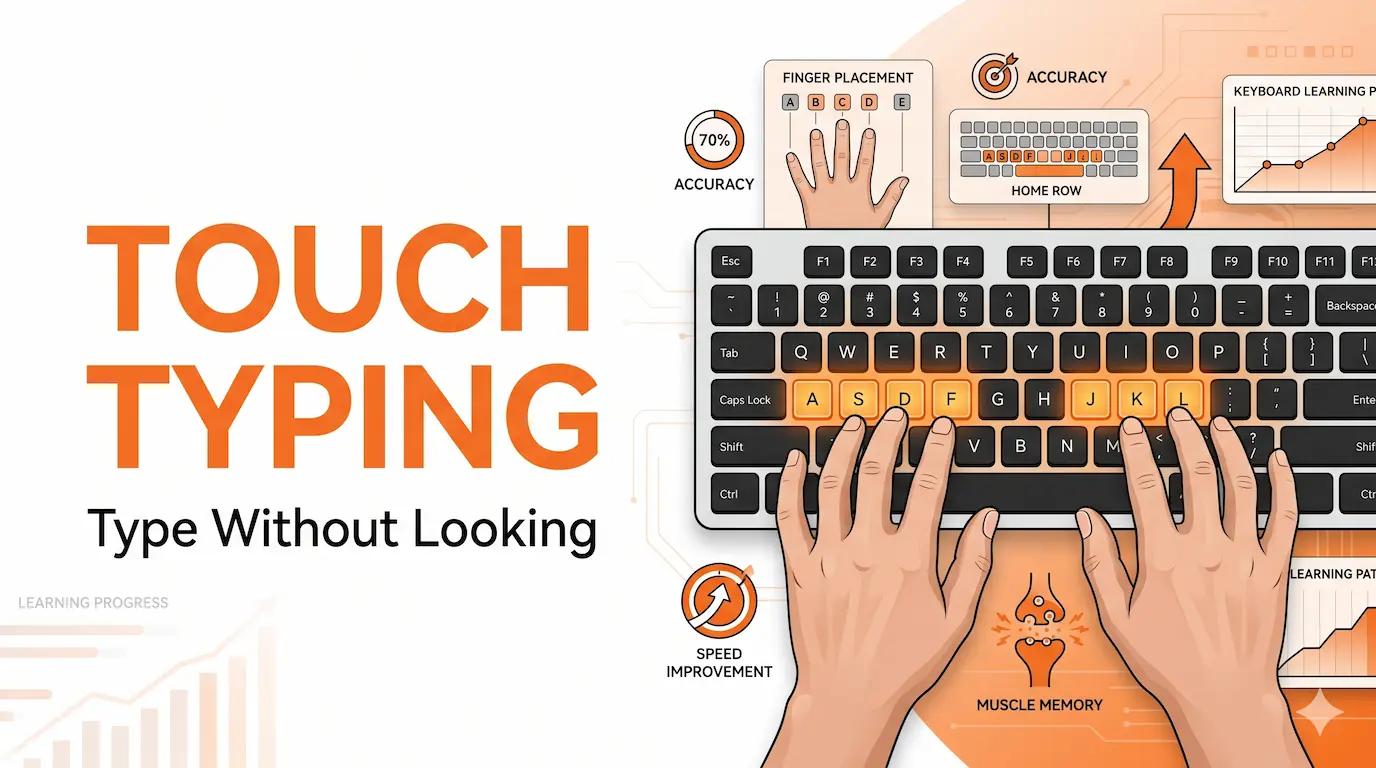
Touch Typing Tutorial: Learn to Type Without Looking at the Keyboard

Touch Typing Tutorial: Learn to Type Without Looking at the Keyboard

Learn touch typing step-by-step with this beginner-friendly guide. Master proper finger placement, improve typing speed, and type without looking at the keyboard.

VectorTyping Team

·

6 Jun 2026

6 min read

Read

Typing Speed Test: Free Online WPM Test with Certificate

Typing Speed Test: Free Online WPM Test with Certificate

Take a free typing speed test online and check your WPM, accuracy, and typing performance instantly. Get a free certificate with verification ID on VectorTyping.

VectorTyping Team

·

5 Jun 2026

6 min read

Read